What a reference is
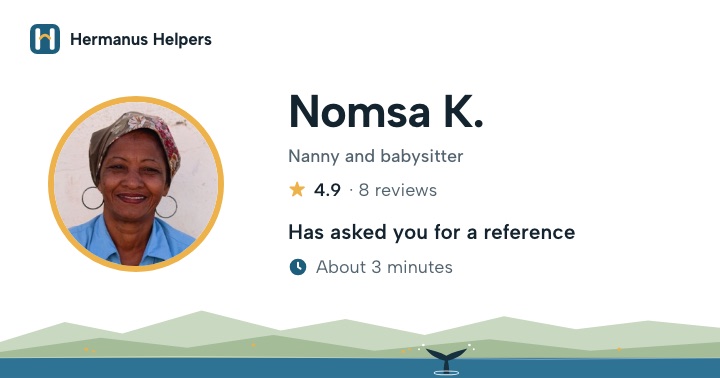
A reference is someone you worked for telling families about your work. It's the main reason families trust a profile.
- You send your reference link to someone you worked for.
- They open it and answer a few questions about your work. It takes them about 3 minutes.
- We check it. Then it shows on your profile.
You don't write it yourself, not even to help them. It must come from them, in their own words. You don't need a letter either.
Who can give you one
- A family or person who paid you to work for them
- A creche, school, guest house or any place you worked
- A parent whose child you looked after at a creche
- A trainer from a course you did
- Friends or family
- Your church, pastor or neighbours
- Anyone who never paid you to work
They may be kind people, but families want to hear from someone you worked for.
Sending your link
Once you've joined, you get your own reference link. In your account, tap Send my reference link. WhatsApp opens with a message ready. Choose the person and tap send.
Email or SMS instead? Tap Copy my link. Open your email or SMS, hold your finger in the message box and tap Paste. The link works everywhere.
Send the same link to everyone you ask. Each person fills it in on their own.
Be kind: no answer after a few days? Send one friendly reminder, then leave it. A reference is a favour, and some people are just busy. Ask someone else who paid you instead.
We check every reference
We read each one ourselves before it shows on your profile. Our system checks every reference too, and sometimes we contact the person who gave it. Honest references keep Hermanus Helpers a place families trust, for every helper.
Already joined? Send your reference link from your account →